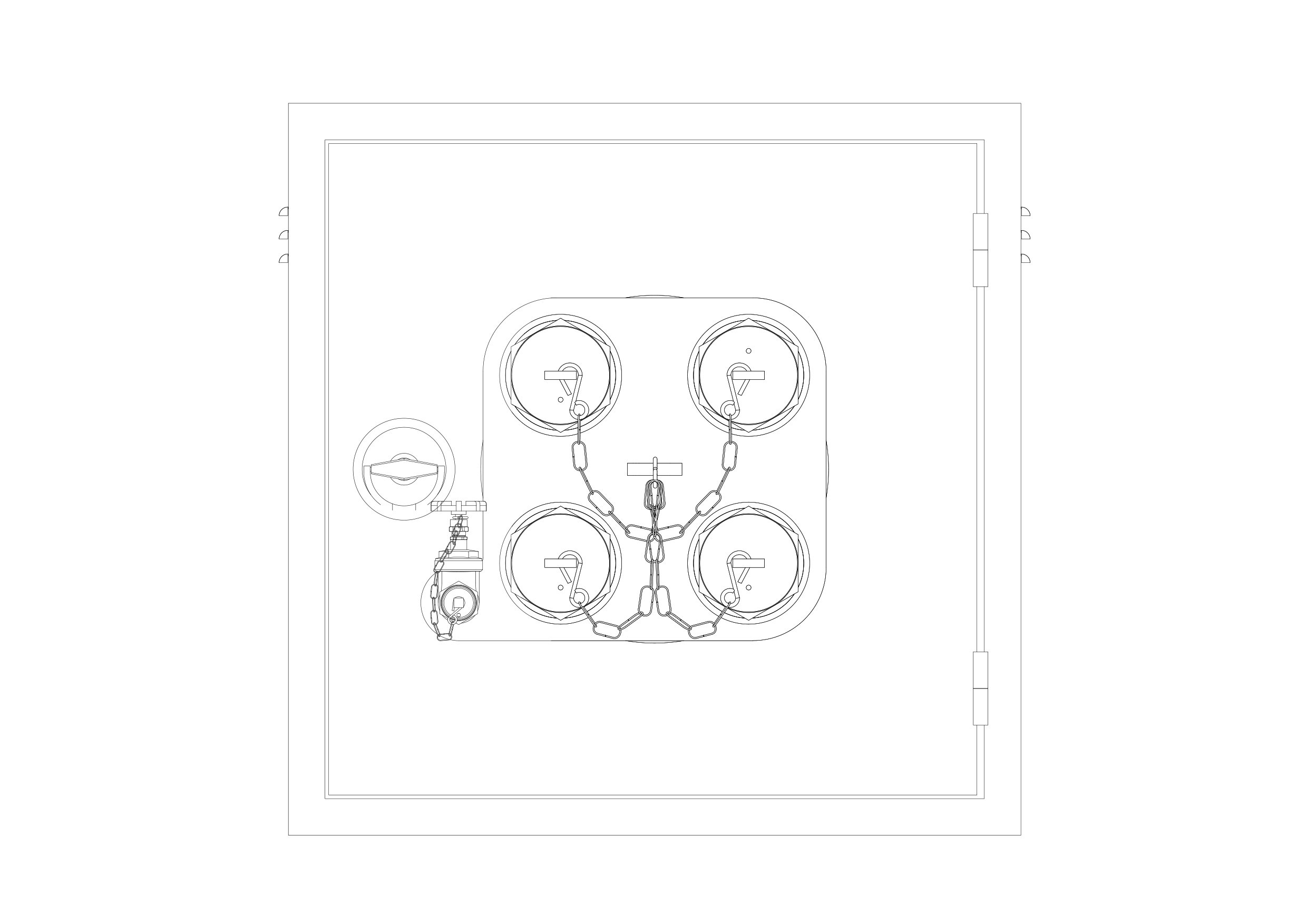
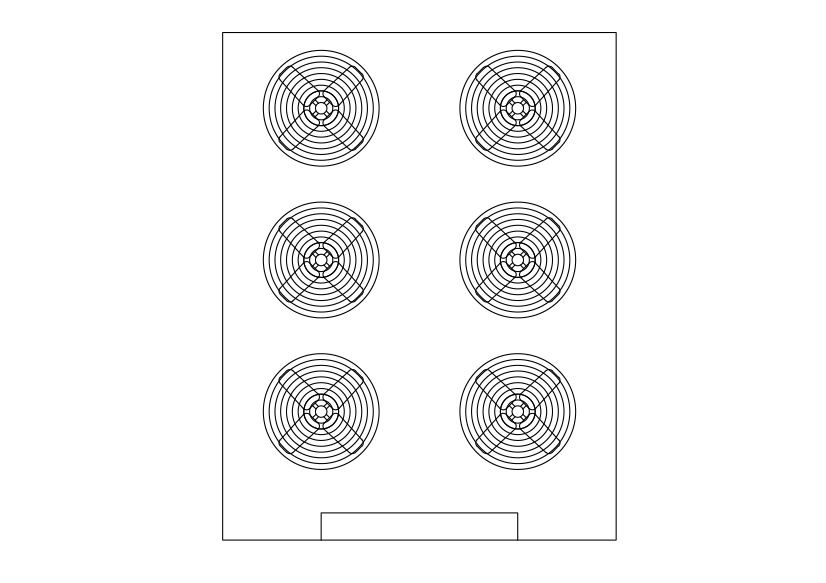
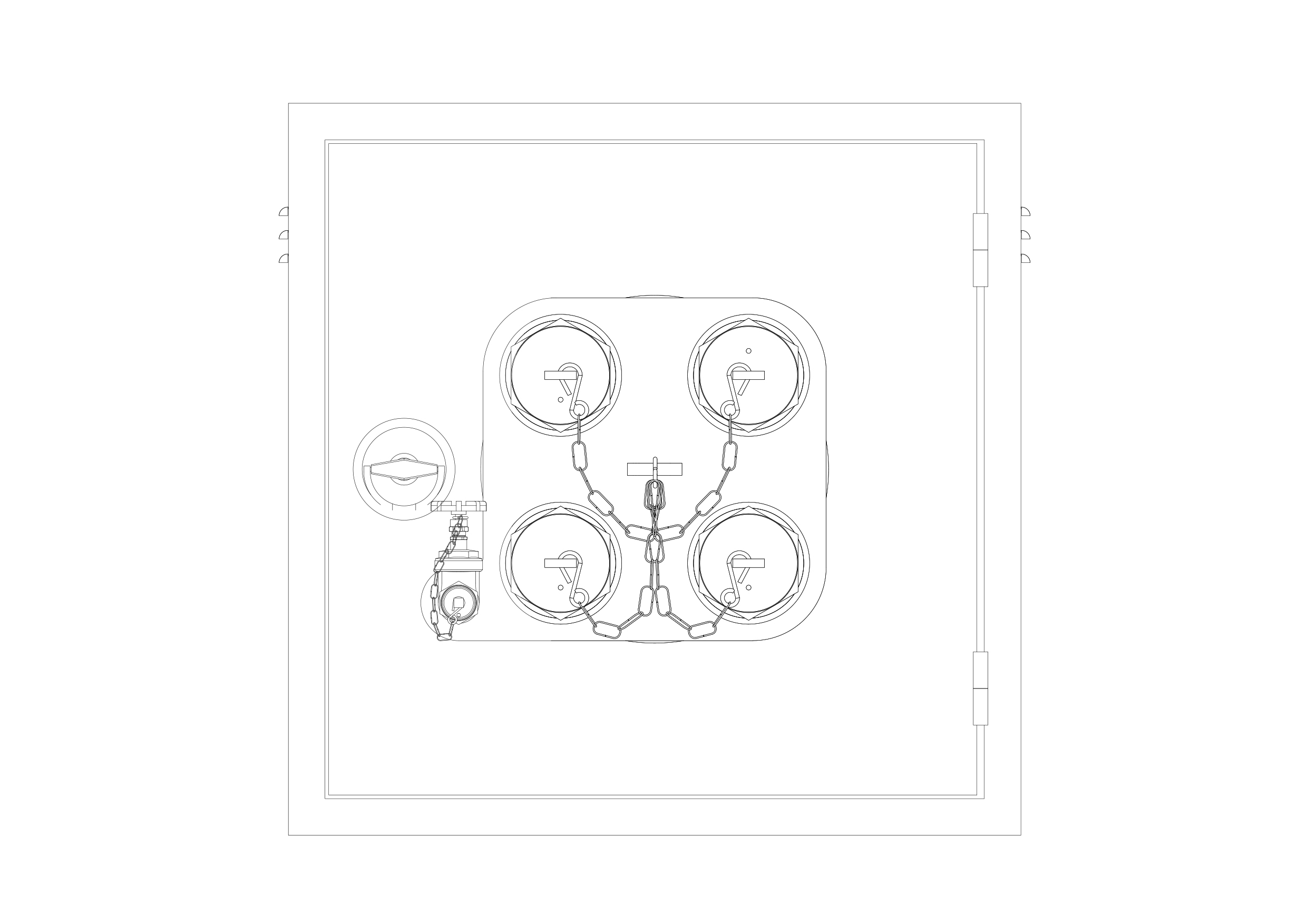
Free Breeching Inlet Elevation CAD Block – DWG, DXF, PDF Format
A dry riser is a normally empty pipe that can be externally connected by firefighters to a pressurised water source. It is a vertical pipe intended to distribute water to multiple levels of a building or structure as a component of the fire suppression systems.
Most buildings have a "wet riser" or "wet standpipe" system where the pipes are kept full of water for manual or automatic fire fighting operations. Dry risers are used when the water pressure of a building wouldn't be enough for fire suppression and in unheated buildings where the pipes could freeze. In the UK, dry risers must allow fire engine access within 18 m of the dry riser inlet box.[1] Dry risers in occupied buildings must be within a fire-resistant shaft, usually one of a building's fire escape staircase enclosures. The riser is also where the gauges, valves, and alarm devices are located.
Depending on regional nomenclature, the term "dry riser" may refer to a standpipe, intended to provide water to fire hose connections, or a vertical main pipe in an automatic dry pipe fire sprinkler system. A dry standpipe has an external fire department connection at ground level, such as a Storz coupling, through which water can be pumped from the fire engine pump to the fire hose attachments on each floor. A dry pipe fire sprinkler system is a network of pipes connected to fixed sprinklers inside a building, which is full of air until one of the sprinklers is triggered.
You need more Technical, Electrical, HVAC, and Plumbing DWG and AutoCAD Drawings? Check the Technical Category. Access our entire CAD blocks and DWG drawings on our homepage. For free 3D files, visit Freepolygon. Need free vector illustrations? Check out Vectorfreefiles. Stay updated with the latest design news and insights at Designrecap. Explore a global directory of design professionals and firms at Meshegg. Explore more resources for architecture students and professionals at Archiskills.
REQUEST A FILE FOR FREE
SIMILAR KEYWORDS


FAQ
-
01.
HOW CAN I EARN MONEY BY UPLOADING MY CAD FILES TO FREECADS?
You can earn ad revenue from your uploaded models. Every file you upload gets its own page with ads, and you receive an 80% share of the revenue generated from that page. The more people view your work, the more you earn.
-
02.
WHEN AND HOW ARE PAYMENTS MADE TO CREATORS?
Earnings are updated daily and paid every month using the industry standard net 40 system. That means revenue generated in one month is paid 40 days later, directly to your PayPal account.
-
03.
WHAT TYPES OF FILES CAN I UPLOAD OR DOWNLOAD ON FREECADS?
Freecads supports a wide range of professional file formats including DWG, DXF, PDF, SKP, RVT, IFC, 3DM, STEP, STP, PLN, DGN, IGS, SLDPRT, FCSTD, IPT, PRT, CATPART, 3DXML, IMODEL, and more. You can upload and download 2D and 3D models across multiple design platforms.
-
04.
WHAT IS THE DIFFERENCE BETWEEN FREE AND PREMIUM MEMBERSHIPS?
Both Free and Premium members can upload and earn from their files. Free Members can upload up to 30 files per month and track their last 30 downloads, while Premium Members enjoy an ad free experience throughout the site, unlimited uploads, unlimited download history, and priority access to new features for €2.9 per month or €19.9 per year. Both tiers can still download an unlimited amount of files.
-
05.
WHAT IS NEW IN THE LATEST VERSION OF FREECADS?
The new Freecads introduces a redesigned interface, faster search, expanded file support, and a creator dashboard that lets you track views, downloads, and earnings in real time. It is now simpler, faster, and fairer for everyone.