
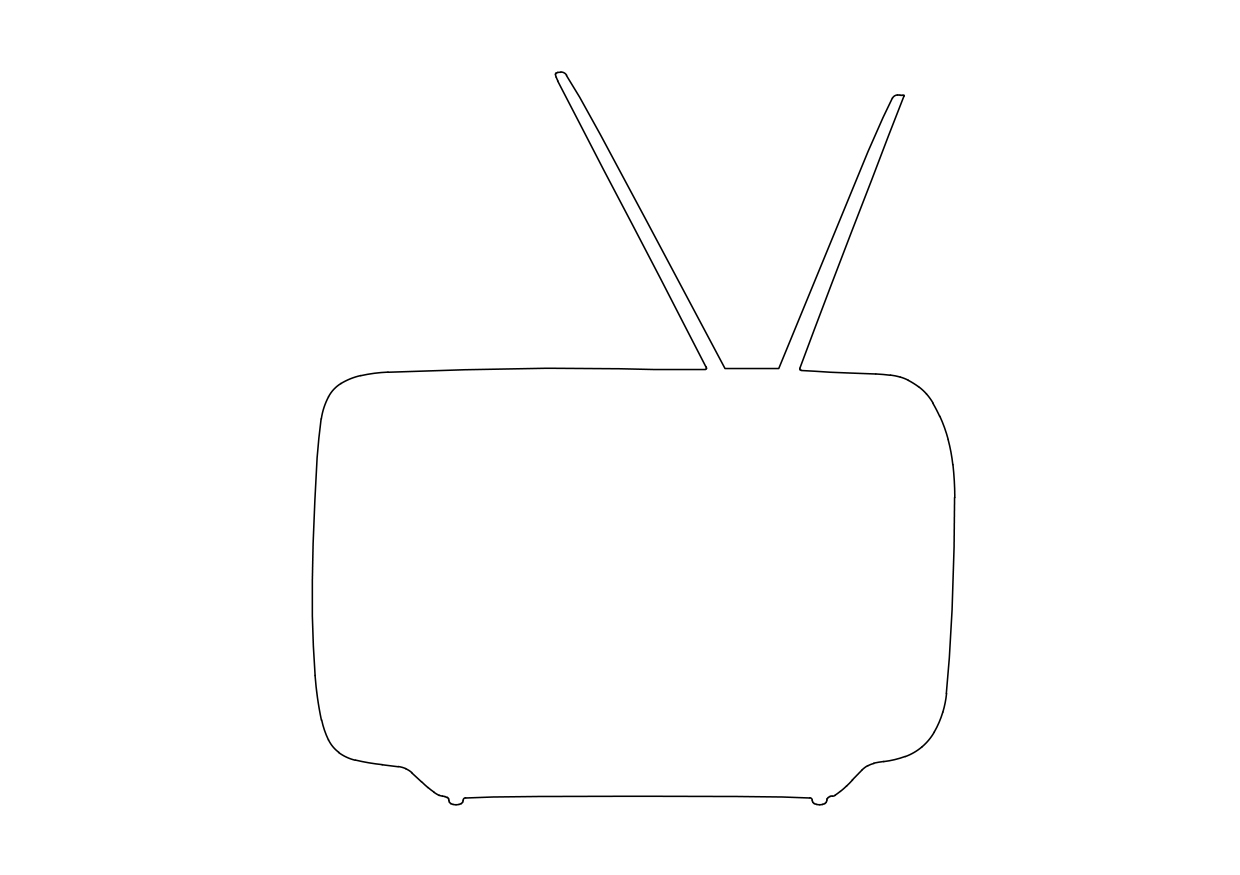
Free Antique Radio Elevation CAD Block – DWG, DXF, PDF Format
Radio is the technology of signaling and communicating using radio waves. Radio waves are electromagnetic waves of frequency between 30 hertz (Hz) and 300 gigahertz (GHz). They are generated by an electronic device called a transmitter connected to an antenna which radiates the waves, and received by another antenna connected to a radio receiver. Radio is very widely used in modern technology, in radio communication, radar, radio navigation, remote control, remote sensing and other applications.
In radio communication, used in radio and television broadcasting, cell phones, two-way radios, wireless networking and satellite communication among numerous other uses, radio waves are used to carry information across space from a transmitter to a receiver, by modulating the radio signal (impressing an information signal on the radio wave by varying some aspect of the wave) in the transmitter. In radar, used to locate and track objects like aircraft, ships, spacecraft and missiles, a beam of radio waves emitted by a radar transmitter reflects off the target object, and the reflected waves reveal the object's location. In radio navigation systems such as GPS and VOR, a mobile receiver accepts radio signals from navigational radio beacons whose position is known, and by precisely measuring the arrival time of the radio waves the receiver can calculate its position on Earth. In wireless radio remote control devices like drones, garage door openers, and keyless entry systems, radio signals transmitted from a controller device control the actions of a remote device.
You need more Technical, Electrical, HVAC, and Plumbing DWG and AutoCAD Drawings? Check the Technical Category. Access our entire CAD blocks and DWG drawings on our homepage. For free 3D files, visit Freepolygon. Need free vector illustrations? Check out Vectorfreefiles. Stay updated with the latest design news and insights at Designrecap. Explore a global directory of design professionals and firms at Meshegg. Explore more resources for architecture students and professionals at Archiskills.
REQUEST A FILE FOR FREE
SIMILAR KEYWORDS
FAQ
-
01.
HOW CAN I EARN MONEY BY UPLOADING MY CAD FILES TO FREECADS?
You can earn ad revenue from your uploaded models. Every file you upload gets its own page with ads, and you receive an 80% share of the revenue generated from that page. The more people view your work, the more you earn.
-
02.
WHEN AND HOW ARE PAYMENTS MADE TO CREATORS?
Earnings are updated daily and paid every month using the industry standard net 40 system. That means revenue generated in one month is paid 40 days later, directly to your PayPal account.
-
03.
WHAT TYPES OF FILES CAN I UPLOAD OR DOWNLOAD ON FREECADS?
Freecads supports a wide range of professional file formats including DWG, DXF, PDF, SKP, RVT, IFC, 3DM, STEP, STP, PLN, DGN, IGS, SLDPRT, FCSTD, IPT, PRT, CATPART, 3DXML, IMODEL, and more. You can upload and download 2D and 3D models across multiple design platforms.
-
04.
WHAT IS THE DIFFERENCE BETWEEN FREE AND PREMIUM MEMBERSHIPS?
Both Free and Premium members can upload and earn from their files. Free Members can upload up to 30 files per month and track their last 30 downloads, while Premium Members enjoy an ad free experience throughout the site, unlimited uploads, unlimited download history, and priority access to new features for €2.9 per month or €19.9 per year. Both tiers can still download an unlimited amount of files.
-
05.
WHAT IS NEW IN THE LATEST VERSION OF FREECADS?
The new Freecads introduces a redesigned interface, faster search, expanded file support, and a creator dashboard that lets you track views, downloads, and earnings in real time. It is now simpler, faster, and fairer for everyone.